
Which files work
Any .pdf up to 100 MB: scans, slide decks, reports with photos or plain text documents. Pick files from your computer or phone, Google Drive, Dropbox or a direct link, and upload several PDFs in one go.

Reduce PDF file size in seconds, right in your browser. Drop in a file that’s too big to email or upload, and get back a PDF up to 90% lighter, ready to send.
or drag PDF files here
It takes under a minute and you still get a PDF at the end. The tool only accepts PDF files, so if you’re starting from a Word document, spreadsheet or photo, save it as a PDF first.
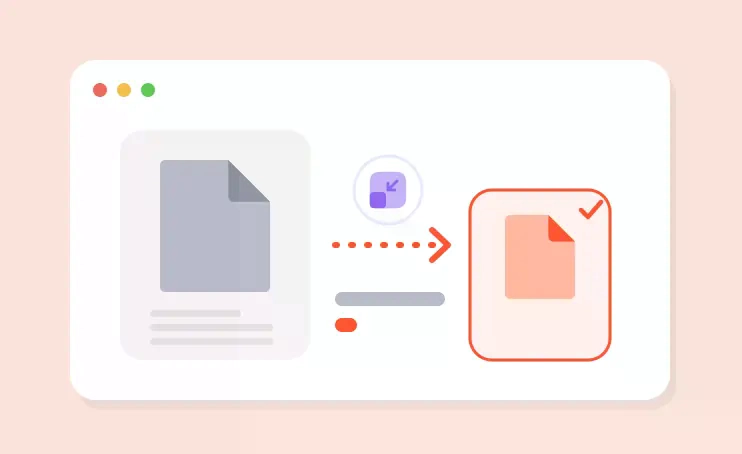
Any .pdf up to 100 MB: scans, slide decks, reports with photos or plain text documents. Pick files from your computer or phone, Google Drive, Dropbox or a direct link, and upload several PDFs in one go.
The tool recompresses the images inside the PDF and strips out dead weight such as duplicate objects and unused metadata. Text, links and page order stay as they are, so scans and photo-heavy documents shrink the most, while a text-only PDF gets only modestly smaller.
Speed depends on how many images there are and their resolution, not on the page count: a text PDF is done in seconds, a scan of several hundred pages takes up to a minute. You see the saving in percent once it finishes. In our test a 29.8 MB contract scan came out at 3.6 MB.
You get a .pdf with the same pages and orientation and no watermark. Compression can't be undone, so keep the original and check that small print, stamps and signatures on scans are still legible. Still over the upload limit? Delete pages you don't need or split the document, because compressing an already compressed file again gains almost nothing.
Shrinking the file is often just one step before you hit send. These tools run the same way: in your browser, free, with the same limits.

Put your ID, cover letter and certificates into a single application file with Merge PDF, or pull out just the pages someone asked for with Split PDF. Then compress the result so it fits the upload limit.

Need to fix a typo? Convert the PDF to Word, edit it, then turn it back with Word to PDF. Phone photos of receipts become a PDF with JPG to PDF, ready to compress.

Sending a bank statement or payslip? Lock it with Protect PDF first. For scans with no selectable text, OCR makes the words searchable and copyable.
There’s nothing to adjust: every file goes through the same standard setting. Your text, links and page order stay put; only the images inside the PDF are recompressed. How small it ends up depends on what’s in it.
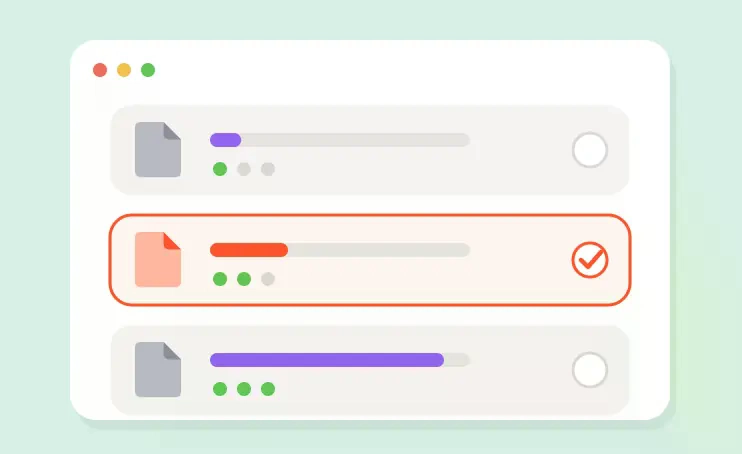

Scans, slide decks and photo-heavy PDFs usually land below 5 MB. In our test, a 29.8 MB scanned tenancy agreement came out at 3.6 MB and a 10.1 MB illustrated report at 0.8 MB.

Some job sites and university portals won’t take anything over 1–2 MB. If you’re still above that after compressing, delete extra pages with Remove pages or split the PDF and upload it in parts.

The biggest savings come from scans, presentations and anything full of photos. A text-only document, or one that’s been compressed before, has little left to lose, and that’s expected.

Running a compressed PDF through again gains almost nothing. Keep the original handy: if you need it smaller, trim pages from that copy and compress it once more.
Yes. Files up to 100 MB are free, up to 30 times a day, with no account and no watermark. BadPDF Pro, coming soon, lifts the daily limit and the 100 MB cap, handles dozens of PDFs in one batch, runs OCR on scans without limits, removes ads and puts your files at the front of the queue.
Job applications. CV, cover letter and certificates in one file often top 10 MB, while many application portals stop at 2–5 MB. Compress the bundle and it goes through first time.
Email attachments. A passport scan, a signed contract and an invoice can easily add up to 30–40 MB. Gmail caps attachments at 25 MB, Outlook at 20 MB. After compressing, everything fits in one email.
Phone scans. Photos of documents saved as PDF often weigh 3–5 MB per page. Compressed, they’re 5–10 times lighter and the text is still easy to read.
Presentations and portfolios. Decks and portfolios full of photos open faster for the person you send them to and don’t stall in chat apps.
Getting a document ready to send? Merge PDF files or split a PDF, convert PDF to Word to edit the text, remove PDF pages you don’t need, password-protect a PDF or run OCR on a scan. Starting from a Word file or a photo? Turn it into a PDF first with Word to PDF or JPG to PDF.
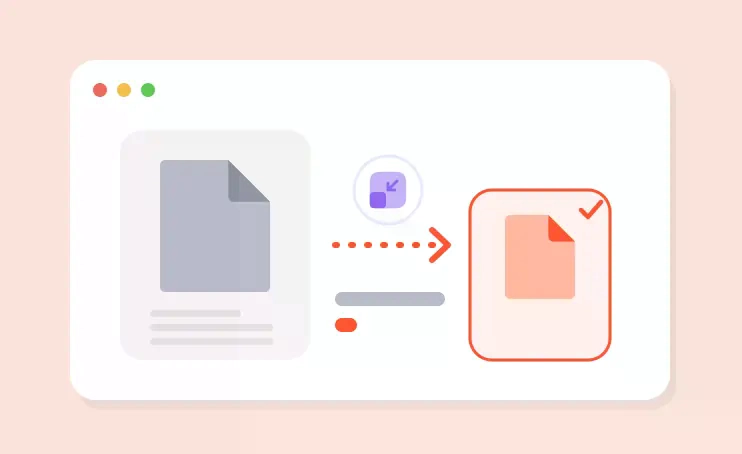
We ran two everyday documents through BadPDF. Your numbers will depend on the content, but this is the ballpark:
Scanned contract, 5 pages (29.8 MB)
Report with photos, 10 pages (10.1 MB)
The free version handles PDFs up to 100 MB, up to 30 times a day, with no sign-up and no watermark. We don’t keep your files.
BadPDF Pro will lift the daily limit and the file size cap, add batch compression for dozens of PDFs at once, unlimited OCR for scans and priority processing.
Browse every tool in the BadPDF catalogue.