
Select every PDF you need
Pick the PDFs from your computer or phone, all at once or a few at a time with "Add". Only PDF files are accepted, so a Word document or a photo has to be converted first.

Need one file for an upload portal or an email? Merge PDF documents here and keep every page of every file in the order you set.
or drag PDF files here
Select the documents, decide the order, choose the extras you need and end up with one PDF.
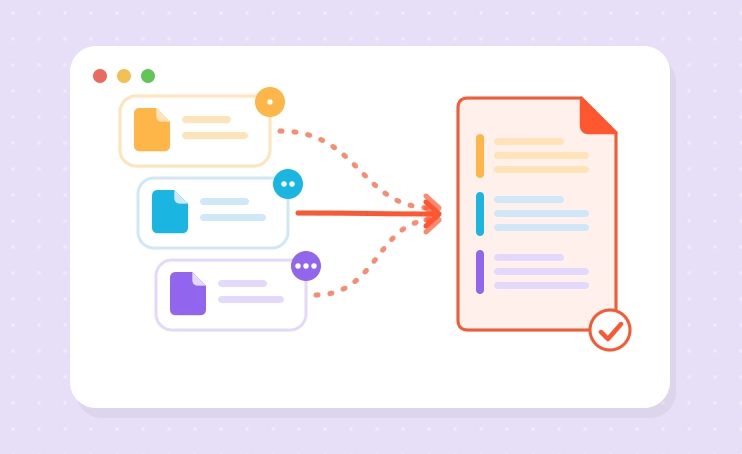
Pick the PDFs from your computer or phone, all at once or a few at a time with "Add". Only PDF files are accepted, so a Word document or a photo has to be converted first.
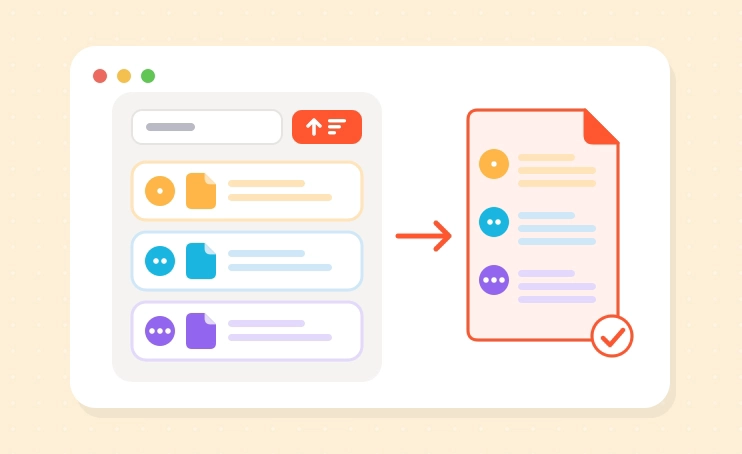
Under "Sort files", choose "By file name" or "By modified date", set ascending or descending with the arrow and press "Sort" to apply it.
"Merge settings" has two switches. "Generate table of contents" adds a contents page at the front; "Remove digital signatures" is only for a signed file that stops the merge.
Press "Merge PDF" and save the result: the pages of the first file, then the second, and so on, with nothing skipped in between.
Joining files is often one step of several. These tools deal with what comes next.

Need one invoice back out of a combined file? Split PDF cuts a document into separate files.

If a page sits in the wrong spot inside the merged file, reorder PDF pages and put it where it belongs.

A long bundle can be too big for an email or a portal. Compress PDF makes the file smaller.
The aim is one PDF you can send straight away, in the order you chose, with nothing to fix afterwards.

Files are not stored after merging, which matters for passports, payslips and medical letters.

There is nothing to sign up for, and the combined PDF carries no logo or stamp.

Nothing is recompressed, so a small-print footnote or a scanned stamp is as clear in the bundle as in the file you started with.

Everything happens in the browser on a computer or a phone, so you can combine PDF files without installing extra software.
Yes: merging is free for files up to 100 MB, up to 30 times per day. Pro has no daily limit and takes files larger than 100 MB, which helps with thick bundles of scanned evidence. It also has no ads and sends your merges through a priority queue.
When a university, a letting agent or your accountant asks for everything as one PDF, you can merge PDF files here rather than send a string of separate attachments. You choose the documents and their order, and the finished file goes up to a portal or out by email in one piece.
Order problems usually start with the file names. Phone scans all begin with IMG and a string of digits nobody chose, and downloads pile up as document(1), document(2) and so on, which says nothing about where each one belongs.
Exports produced in sequence are the easy case. Weekly timesheets saved every Friday or monthly statements downloaded one after another can simply be sorted "By modified date", ascending for the oldest first.
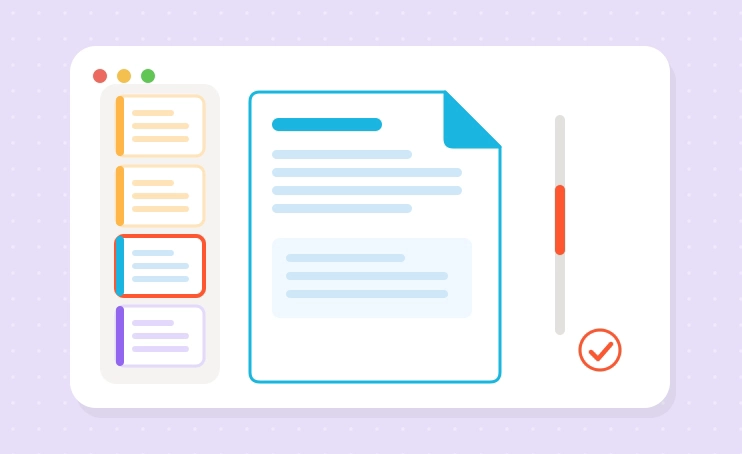
For anything gathered from different places, leading zeros do the job. Name the files 01 cover letter, 02 CV, 03 degree certificate and 04 reference, choose "By file name", and the bundle comes out in that sequence on any computer.
Plenty of forms in the UK accept only one upload per section. A few typical cases:
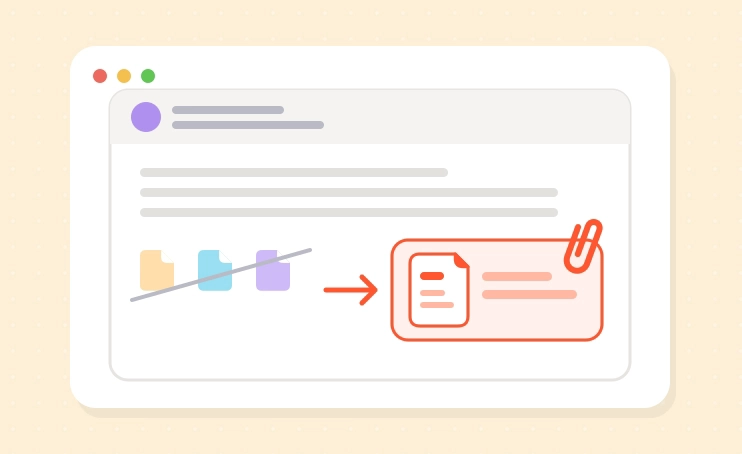
Each document stays whole when you merge PDF files this way: you are adding complete files, so the second document starts right after the last page of the first.
Switch on "Generate table of contents" and the merged file gains an extra first page that lists the documents by their file names. For a tribunal bundle, a council planning submission or an insurance claim with a dozen attachments, it shows the person handling the case what is inside before they start reading.
Two details are worth a moment. The names appear on that page exactly as they are, so fix typos and drop leftovers like "final v2" before merging. And the extra page shifts every page number by one, so if your covering letter mentions "page 5 of the bundle", check the numbers in the finished file.