
Add your pictures
Pick one picture or several at once from your phone or computer. Once they are loaded, the window shows the conversion as "Image (JPG)" to "Document (PDF)".

JPG to PDF turns phone photos and other pictures into a PDF that you can email, print or upload like any other document.
or drag images here
Four settings shape the result: colour, page fit, rotation and whether you want one file or several.
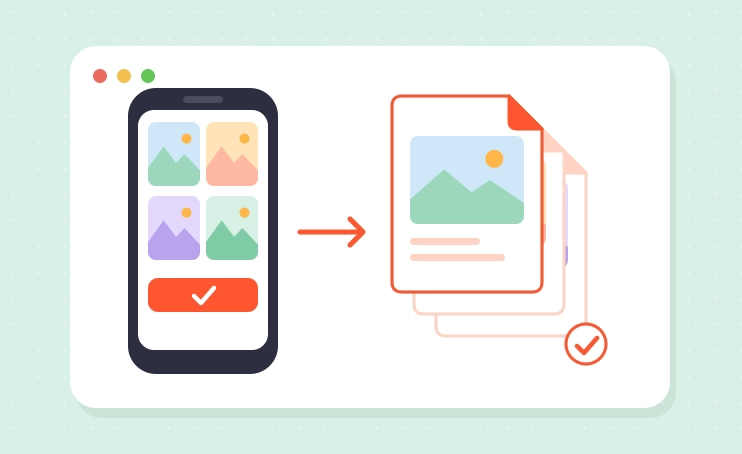
Pick one picture or several at once from your phone or computer. Once they are loaded, the window shows the conversion as "Image (JPG)" to "Document (PDF)".
Choose "Colour", "Greyscale" or "Black & White" under "Colour Type". Keep colour wherever it carries meaning, such as a red stamp, a highlighted line or a child's drawing.
Leave "Fit Option" on "Maintain Aspect Ratio" for receipts, letters and forms; "Fill Page" is mainly for posters and drawings.
"Combine Images" is on from the start, so all the pictures go into one PDF, a page each; switch it off for a separate PDF per image. Press "Convert file" and save the result.
A document made from photos often needs one more step before it is ready.

Photos make heavy PDFs. If a form rejects the file for its size, compress PDF and try again.

Need these pages inside a document you already have? Merge PDF joins the two files into one.

Someone needs a single page as a picture for a slide or a chat? PDF to JPG turns PDF pages into JPG files.
A pile of pictures becomes something that looks like paperwork, and you stay in charge of how each page looks.
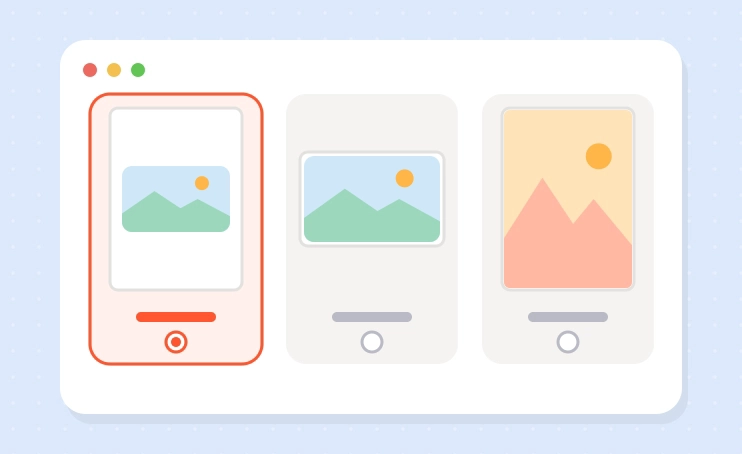

"Auto Rotate" is on from the start: a landscape shot gets a landscape page and an upright one a portrait page, so each picture uses the sheet well.

With default settings you get standard A4 pages, which is what UK offices, schools and councils expect.

You do not register, and no logo is printed across your pictures.

Greyscale or black and white removes the yellow tint of a paper bill photographed under a kitchen lamp.
The free version handles files up to 100 MB, up to 30 times per day. Pro is worth it when you convert a lot of paperwork in a row: your files go through a priority queue, there is no daily limit and there are no ads. It also accepts files larger than 100 MB, such as high-resolution scans of posters or artwork.
A photo of a document is easy to take and awkward to send. Online forms ask for a PDF, and the library printer often takes nothing else. JPG to PDF takes your pictures and lays each one out on its own page, ready to upload or print.
The PDF can only be as sharp as the picture you feed it, so a little care with the camera helps. Lay the paper flat on a dark surface so its edges stand out, hold the phone directly above it rather than at an angle, and weigh down curling corners with a couple of books.
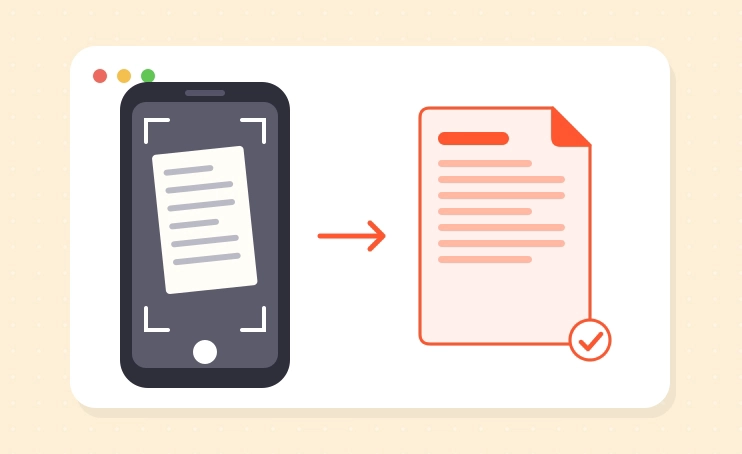
Crop away the table edges in your phone's gallery before converting. Then each PDF page shows the document itself, not your kitchen table, and the text looks bigger when someone opens it on a laptop.
In a JPG to PDF conversion, "Fit Option" decides how each picture sits on its page. It starts on "Maintain Aspect Ratio": the whole photo goes onto an A4 sheet without being stretched, and white margins fill the gap where its shape differs from the page.
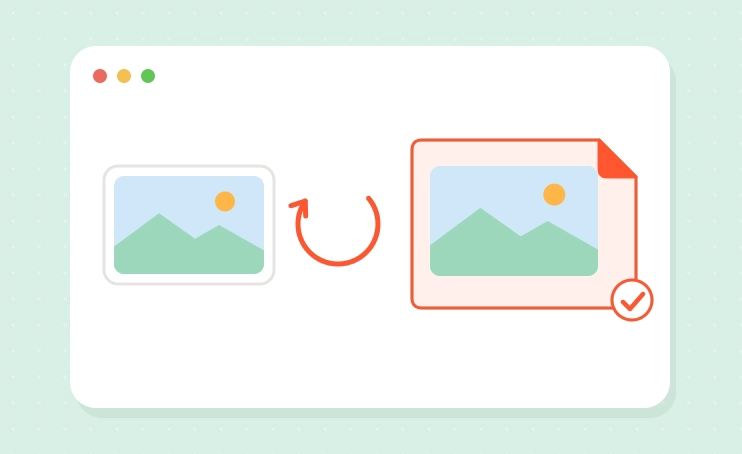
"Fill Page" takes the picture right to the edges by stretching it. That can work for a poster or a drawing, but on a form or a receipt the text comes out wider than it should be.
Sometimes one combined file is not what is wanted. A mortgage portal may ask for a passport, a driving licence and a payslip as three separate uploads; in that case switch off "Combine Images" and give every file a clear name before you send it. For everything else one file is tidier: a handwritten letter of several pages, meter photos for a dispute with your energy supplier, the pictures of a damaged parcel for a courier claim.
Most people reach for this when a phone photo has to become an official-looking document. Typical moments: