
Add one PDF or several
Press "Choose PDF files", then "Add" if you have more. The "Files:" counter shows how many are waiting.

Convert PDF to JPG and get the pages of your document as pictures.
or drag PDF files here
Everything sits in one window. This is what each setting does.
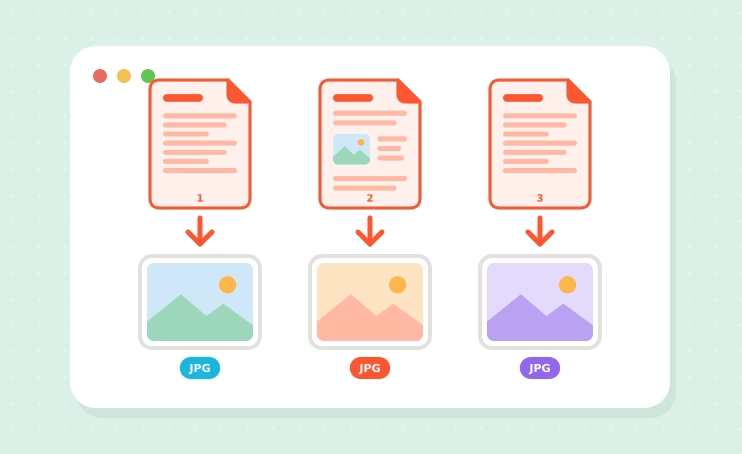
Press "Choose PDF files", then "Add" if you have more. The "Files:" counter shows how many are waiting.
Under "Conversion settings", "Convert from:" shows "Document (PDF)" and "Convert to:" shows "Image (JPG)".
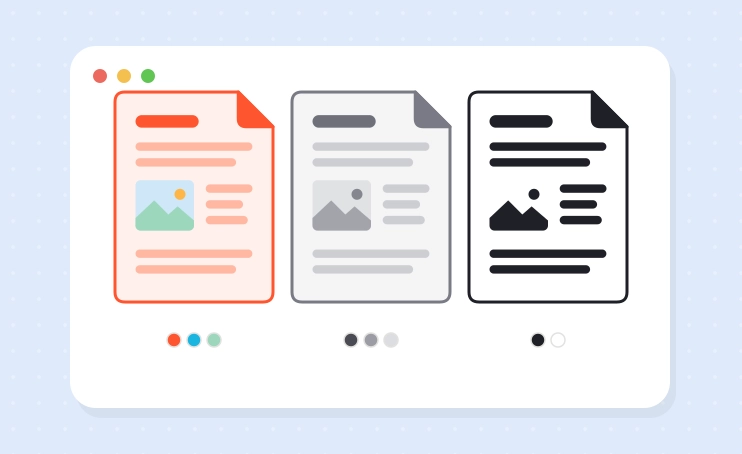
In "Image Options:" leave "Colour Type" on "Colour" or switch it to greyscale or black and white. Then set "DPI" for the pictures.
In "Output" keep "Multiple", the default, or switch to a single file, then press "Convert file".
Pictures and PDFs often travel together. These tools cover the next step.

Photos of receipts or a handwritten form can become pages of one document with JPG to PDF.

To keep a chapter as a document rather than images, split PDF cuts it into separate files.

If the PDF was only too big to send, compress PDF makes it lighter without turning it into pictures.
What makes the converter practical day to day.

A JPG opens in any photo viewer, messaging app or social network, with no PDF reader needed.

The images come without a BadPDF watermark, so they can be posted or printed as they are.

It runs in the browser on either, with nothing to install.

Free use covers files up to 100 MB and up to 30 conversions a day, plenty for everyday paperwork.
No. Free use covers files up to 100 MB, up to 30 conversions a day. Pro suits people who convert every day: it has no daily limit, takes files larger than 100 MB, has no ads and uses a priority queue. Scanned documents are recognised by the separate OCR tool, without limits for large scans on the paid plan.
Most people convert PDF to JPG for one of a handful of everyday reasons, and the right settings depend on which one is yours.
Think of the times a PDF gets in the way. A school sends the term newsletter as a PDF and you want to share the dates page in the parents' WhatsApp group. A letting agent asks for proof of address through a form that only accepts photos. A band wants its gig flyer, designed as a PDF, on social media. In each case one page as a JPG is the answer.
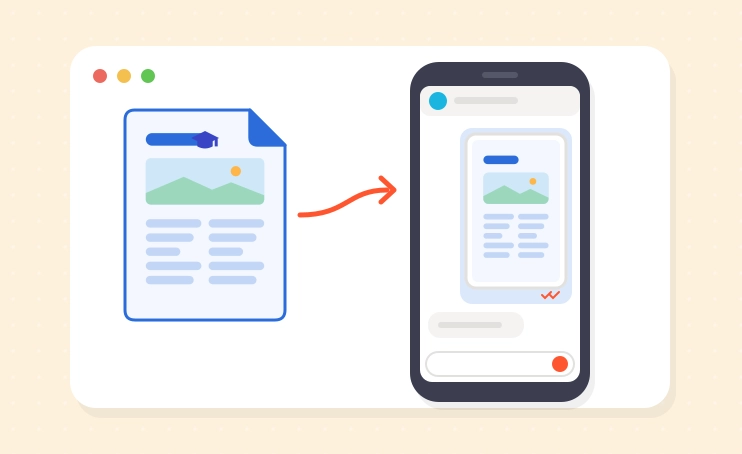
Separate images make it easy to pick out one page. Convert the newsletter, keep the picture of the dates page and share only that. A café menu works the same way: post the page with this week's specials and leave the rest.
The "DPI" number counts dots per inch of the page, so the size of each picture also depends on the page itself.
An A4 page at 300 DPI comes out at about 2480 by 3508 pixels, while a small A6 flyer at the same setting is half as wide and half as tall. A PDF made of small pages, such as tickets or business cards, therefore gives small pictures at any common setting.
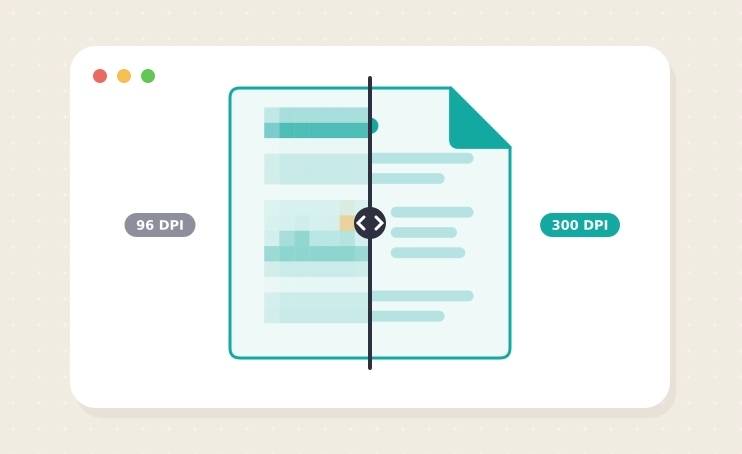
Which option to pick depends on where the pictures are going.
Students often turn lecture slides from a PDF into images so they can annotate them in a note-taking app. Estate agents add floor plans to property listings. Teachers drop a worksheet page into a slide to go through it with the class. Small businesses turn a price list into an image for their Facebook page. Whatever the reason, open the first image and make sure it is the page you meant before you share the lot.