
Pick your Word documents
Press "Choose files" and pick the document you need as a PDF. Besides DOC and DOCX, the picker takes Word templates in DOT and DOTX, RTF and ODT.

This DOC to PDF converter turns your Word documents, DOC or DOCX, into PDF files.
or drag files here
The window asks for very little. Here is what you see and what each part does.
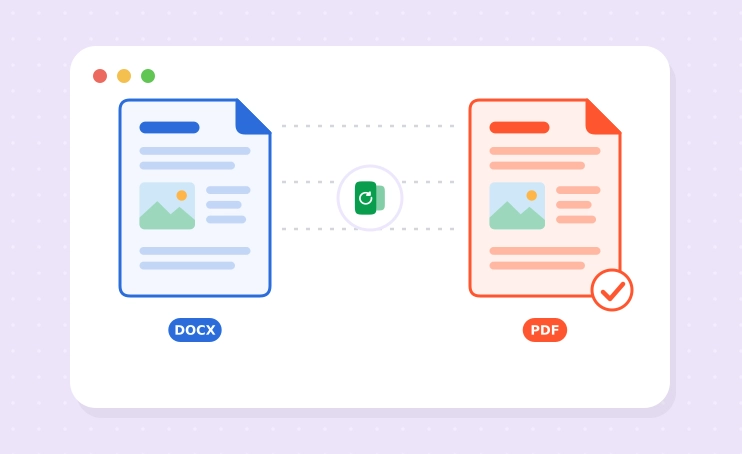
Press "Choose files" and pick the document you need as a PDF. Besides DOC and DOCX, the picker takes Word templates in DOT and DOTX, RTF and ODT.
Got a cover letter and a reference to convert too? Press "Add" for each extra document, and the "Files:" counter shows how many are in the queue.
You don't have to say what kind of file it is: "Convert from:" fills itself in from the file, for example "Document (DOC)", and "Convert to:" already reads "Document (PDF)". If the label names a type you did not expect, you picked the wrong file, so choose it again before you go on.
Press "Convert file" and, once the PDF has been built, download it to your computer.
Converting is often only half the job. These tools pick up where it ends.

A report packed with photos can bounce back from a mailbox. Compress PDF makes the file lighter before you send it.

Cover letter, CV and references in a single file look tidier to an employer. Merge PDF gathers them together.

If the original Word file is lost, PDF to Word turns the PDF back into a document you can edit.
A few practical reasons people in offices, schools and at home use it.
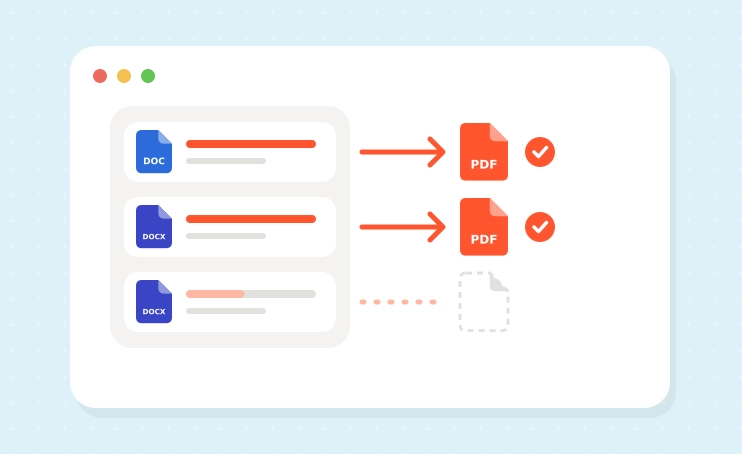

The free plan takes files up to 100 MB, up to 30 times a day, which covers a job application or a whole term of coursework.

The converter works on an uploaded copy, so the Word file on your computer stays exactly as it was and remains editable for the next version.

The page does one job, Word documents to PDF, so there is no long menu of target formats to scroll through before you start.

When a team converts all day, Pro has no daily limit, takes files over 100 MB, shows no ads and puts conversions in a priority queue.
Yes. On the free plan you convert files up to 100 MB, up to 30 times a day. Pro is for heavier use: it has no daily limit, accepts files larger than 100 MB, shows no ads and puts your conversions in a priority queue. Scanned paperwork is recognised by the separate OCR tool, and large scans have no limits there on the paid plan.
Most people who search for DOC to PDF are not curious about file formats. They have a document finished in Word and a place that will only take it as a PDF.
Recruitment sites, university admissions portals and council housing forms tend to ask for PDF uploads, and letting agents often want tenancy paperwork back in the same format. Read the upload instructions carefully as well: some portals limit how big each file can be or ask for one PDF per document.
Picture a graduate applying for a trainee role at an NHS trust. The cover letter is ready in Word, the portal accepts PDF only and the closing date is midnight. Convert the letter in the afternoon rather than at ten to midnight, so a portal that slows down near the deadline does not catch you out.
Plenty of this paperwork gets done on a computer that is not yours: a library PC, an office machine, a friend's desk at home. On a library PC, check how long your session lasts before you start, so the PDF is downloaded and sent before the screen locks.
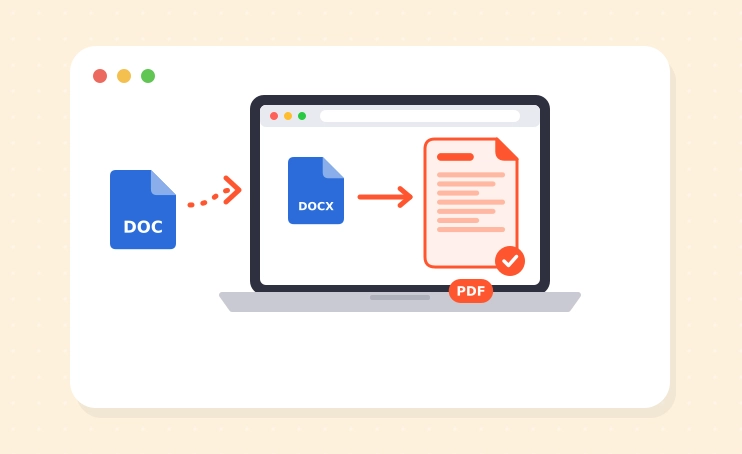
One habit is worth keeping on a shared machine: the downloaded PDF lands in that computer's downloads folder, so once you have sent or uploaded it, delete it from there before you leave.
A Universal Credit review or a visa application can involve a letter from an employer, a statement from a landlord and a note from a tutor, each saved separately. When the letters come from other people, ask for the Word file rather than a photo of a printout, because DOC to PDF conversion works with document files, not pictures.
Page size catches people out first. Templates downloaded from American websites are often set to US Letter, which is a little wider and shorter than A4, so a CV that sits neatly on one Letter page may not fit the same way once a UK office prints it. If the CV is going to a UK employer, switching it to A4 is worth the minute it takes.
Fonts come second. A decorative font that looks fun on screen can be hard to read on a printed form, so for anything official, everyday fonts such as Arial, Calibri or Times New Roman are the safer bet.
Small firms and sole traders often keep an invoice layout or a letterhead in Word and send each finished copy out as a PDF. Save the filled-in copy under its own name first, for example with the invoice number, and convert that one, so the blank layout stays ready for next month. BadPDF also has a separate Word to PDF page, but DOC and DOCX files are perfectly at home here.